
Uranus Tatkal Software
Uranus Tatkal Software – Smart IRCTC Booking Assistance for Indian Railway Users
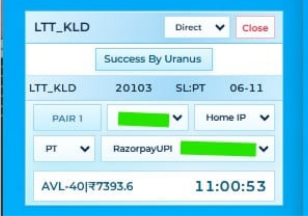
🤔 What is Uranus Tatkal Software?
Uranus is a dedicated IRCTC Tatkal booking assistance software designed for users who want a more organized and convenient railway booking workflow. It brings essential booking-related tools and features into one interface, helping users manage passenger information and prepare for their booking journey. Uranus is designed for a smoother user experience while keeping users responsible for following IRCTC booking rules and policies.
Uranus Tatkal Software India ke travel agents aur travelers ke liye design kiya gaya hai jo IRCTC ki Tatkal window (AC 10:00 AM, Sleeper 11:00 AM) par confirmed ticket book karna chahte hain. Manual booking me captcha bharne aur payment karne me time lag jaata hai aur seats seconds me khatam ho jaati hain — Uranus ye sab automate karke booking ko bijli ki tarah tez bana deta hai.
Uranus ko log Uranus panel, Uranus software download ya Uranus tatkal software ke naam se bhi search karte hain — sab ek hi official software hai jo TatkalSoftware.in par milta hai.
⚙️ How does Uranus Tatkal Software work?
Uranus provides a desktop-based interface for organizing booking-related information and preparing for the IRCTC booking journey. Users can configure their available details, review passenger information, and proceed with the booking process through the applicable railway booking system. Booking confirmation and seat availability remain subject to IRCTC.
🚀 Key Features
⭐ Why Choose Uranus?
⬇️ Uranus Tatkal Software Download & License
TatkalSoftware.in Tatkal software ki duniya ka sabse high-tech aur automation-first platform hai — baaki sabhi sellers aur sites se kaafi aage. Uranus ka download, license aur poora setup yahan ekdum automatic — chat brokers wali koi tension nahi.
📋 How to Use Uranus
Step 1: Purchase Uranus
Choose your preferred license and complete the order.
Step 2: Download Software
Access the download from your customer dashboard.
Step 3: Install on Windows
Follow the installation instructions provided.
Step 4: Activate License
Complete activation using your valid license details.
Step 5: Configure Details
Organize your booking-related passenger information.
Step 6: Start Booking
Follow the applicable IRCTC booking process.
💻 System Requirements
| Operating System | Windows 7, 8, 8.1, 10, 11 (64-bit) |
|---|---|
| RAM | Min 4GB (8GB recommended) |
| Internet | Stable broadband / VPS recommended |
| Login Mode | 🌐 Web Login |
| Extra (optional) | VPS + Proxy for hard routes |
⚙️ Software Installation Requirements
Tatkal software run / setup karne se pehle ye 4 required files install kar lijiye. Ek baar install ho gayi to har software smoothly chalega.
💻 Remote Installation Support
Agar aapko software installation ya setup nahi aata, to FREE remote support available hai. Hamari team aapke PC par connect karke pura software install + setup kar degi.
- AnyDesk download & install karein
- AnyDesk open karein
- Apna AnyDesk ID WhatsApp par bhejein
- Team connect karke install + setup karegi ✔️
- UltraViewer download & install karein
- UltraViewer open karein
- Apna ID & Password WhatsApp par bhejein
- Team connect karke install + setup karegi ✔️
💰 Uranus Tatkal Software Price
Uranus Tatkal Software ki price ₹1,999 per month hai (MRP ₹2,499 — abhi ₹500 ki bachat). Is price me auto captcha, all-bank smart OTP handling, auto payment, daily updates, instant WhatsApp license delivery aur 24/7 support — sab included hai. 1 Day Money Back Guarantee ke saath bilkul risk-free.
🛒 Buy Uranus — ₹1,999🎁 Uranus + VPS Combo
Uranus Software aur high-speed VPS ek hi bundle me — up to 0% tak bachao. Pre-configured, ready-to-use aur turant delivery.
- 🖥️ 8 GB RAM / 4 vCPU / Windows VPS included
- ⚡ Ready-to-use — software + server pre-configured
- 📲 Instant WhatsApp delivery + license key
- 🎧 24×7 priority support & free setup help
- 🔒 Secure & stable · 1-day money-back guarantee
- 🖥️ 16 GB RAM / 8 vCPU / Windows VPS included
- ⚡ Ready-to-use — software + server pre-configured
- 📲 Instant WhatsApp delivery + license key
- 🎧 24×7 priority support & free setup help
- 🔒 Secure & stable · 1-day money-back guarantee
- 🛡️ 8 GB VPS + Dedicated Linux IP (anti-ban, hard routes)
- ⚡ Ready-to-use — software + server pre-configured
- 📲 Instant WhatsApp delivery + license key
- 🎧 24×7 priority support & free setup help
- 🔒 Secure & stable · 1-day money-back guarantee
🔥 Other Tatkal Software — Buy or Compare
Recommended products pehle dikh rahe hain. Yahi se buy karo ya full details dekho:
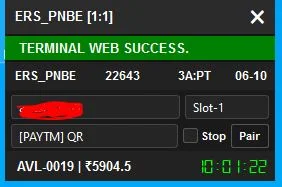
- FreeCharge Bypass
- Multi Payment QR
- 2 PNR Booking Ek Saath
- Web and web login
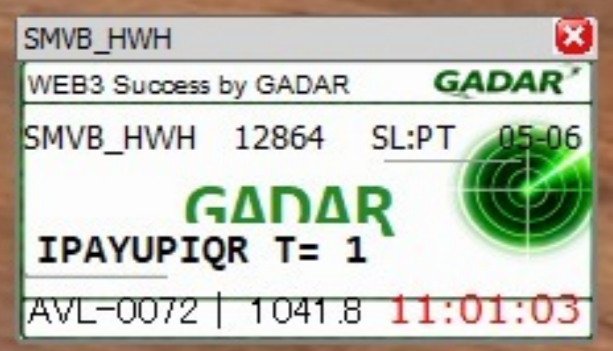
- ☁️ VPS Optimized Performance
- 🔄 Automatic Software Updates
- 🛡️ Advanced Protection Layer
- ⚙️ Stable & Consistent Operation
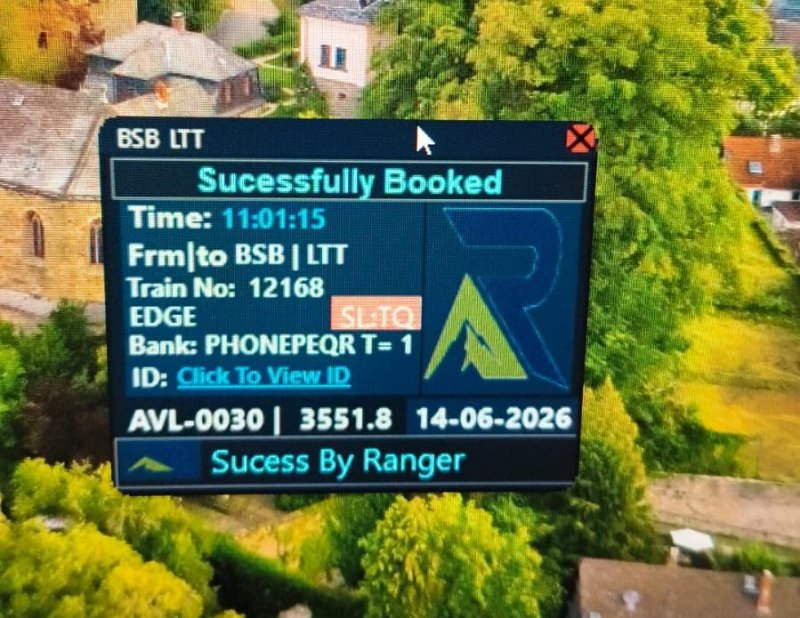
- 🎯 Precise & Fast Tatkal Booking
- 📱 App + Web — dono pe login
- ⚡ Auto Captcha + Auto Payment
- 🔒 All-Bank OTP Support
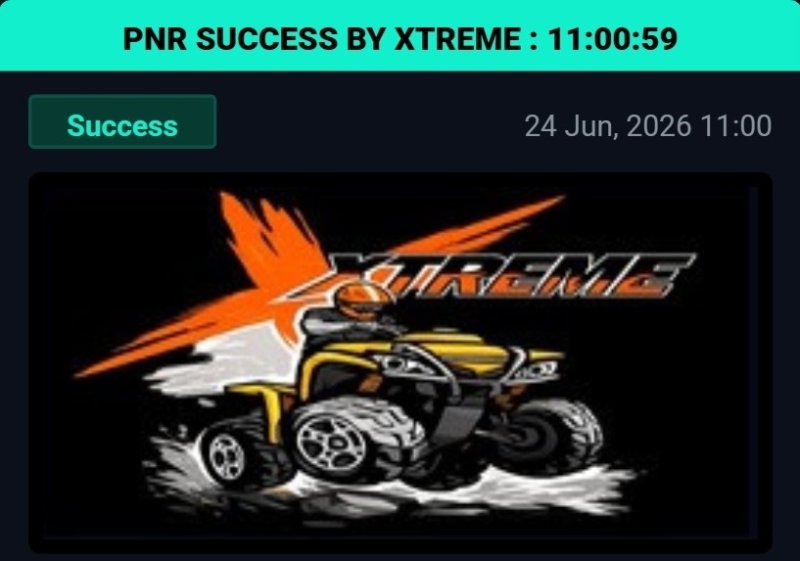
- 🔥 Direct Web Login
- 💳 Auto UPI / QR Payment
- 🎫 Dual PNR Booking
- 🌐 VPS & Proxy Supported
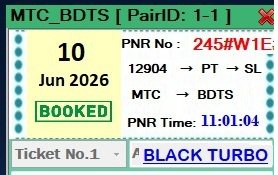
- ⚡ High-Speed Performance
- 🔒 Secure & Stable Access
- ☁️ VPS Ready Compatibility
- 🔄 Regular Software Updates
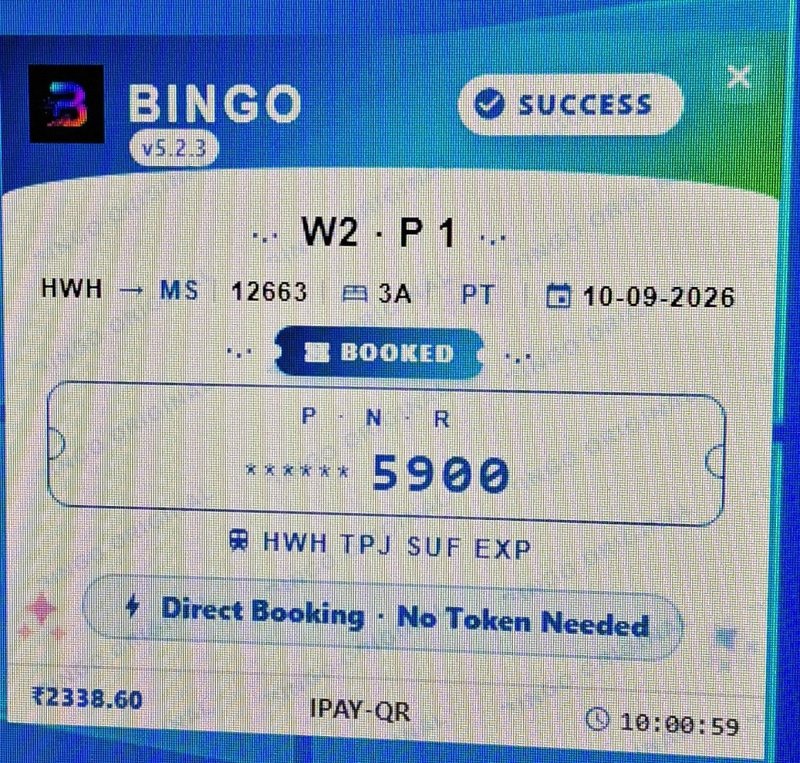
- 📱 BOTH LOGIN AVAILABLE
- 🔥 EASY TO USE
- 🎫Dual PNR Booking
- 💳 Auto UPI / QR Payment
🔍 Uranus vs Manual Tatkal Booking
| Feature | Uranus Software | Manual Booking |
|---|---|---|
| Auto Captcha Fill | ✅ Yes (free) | ❌ Manual type |
| all-bank smart OTP handling | ✅ Yes | ❌ No |
| Auto Payment (UPI/QR) | ✅ Automatic | ⏳ Manual entry |
| Booking Speed | ⚡ ~10 seconds | 🐢 2-3 minutes |
| Confirmed Ticket Chance | 🟢 Very High | 🔴 Low |
| Master List Auto-Fill | ✅ Yes | ❌ Type every time |
| 24/7 Support | ❌ None |
Uranus focuses on providing a dedicated desktop-based workflow for railway booking preparation. Instead of managing booking-related information across multiple places, users can access the available software tools through one interface. Its suitability depends on individual booking requirements, system compatibility, and the features included in the selected license.
TatkalSoftware.in par 12 software hain — har ek alag use-case ke liye. Uranus (🌐 Web Login, ₹1,999) un users ke liye perfect hai jo railway booking users who regularly plan tatkal journeys, travel agents managing frequent customer enquiries, and users who prefer an organized desktop-based booking workflow with convenient passenger information management.. Confused ho to hamari 24/7 WhatsApp team aapko sahi software suggest karegi.
👥 Uranus Community + Setup Guide
Uranus ke daily updates, booking tips aur step-by-step setup guide ke liye join karo.
WhatsApp Channel Telegram Read Setup Guide❓ Uranus — Frequently Asked Questions
Q What is Uranus Tatkal Software?
Uranus is a desktop-based software designed to help users organize their IRCTC railway booking workflow and manage booking-related information.
Q Is Uranus suitable for regular Tatkal booking users?
Uranus is designed for users who regularly plan railway journeys and prefer an organized desktop-based booking workflow.
Q How can I purchase Uranus Software?
Visit TatkalSoftware.in, check the available Uranus license options, and complete your purchase through the official ordering process.
Q How do I activate Uranus Software?
After purchasing, access your license details through the customer dashboard and follow the provided activation instructions.
Q Is Uranus compatible with Windows?
Please check the latest system requirements and supported Windows versions before installation.
Q Does Uranus guarantee Tatkal ticket confirmation?
No. Ticket confirmation depends on seat availability, railway booking rules, and IRCTC processing.
Q Where can I get Uranus Software support?
Customers can contact the Tatkal Software support team through the official website for software-related assistance.
Q Can I get software updates?
Available updates and update eligibility depend on your Uranus license and the software release policy.
Q Is a valid IRCTC account required?
Users must follow the applicable IRCTC account, verification, and booking requirements when making railway reservations.
Q How can I check Uranus pricing?
Visit the official TatkalSoftware.in website to view current pricing, license options, and availability.
💳 Scan & Pay
🎉 Congratulations!
Aapka order place ho gaya — successfully! 🎊
✅ Admin payment verify karte hi aapki license key seedhe Dashboard → My Software me aa jayegi — aur WhatsApp par bhi bhej denge.
WhatsApp pe Confirm Karo 📋 My Orders dekho →